MYM.fans is Europe’s largest creator subscription platform, dominant in France, Belgium, and French-speaking North Africa. Like OnlyFans, it protects member content through logged-in playback, account permissions, and platform access controls, so standard download tools and screen recording often fail.
Saving MYM.fans content requires a browser-based workflow for content you can already access, not an external stream grabber.
Key Takeaways
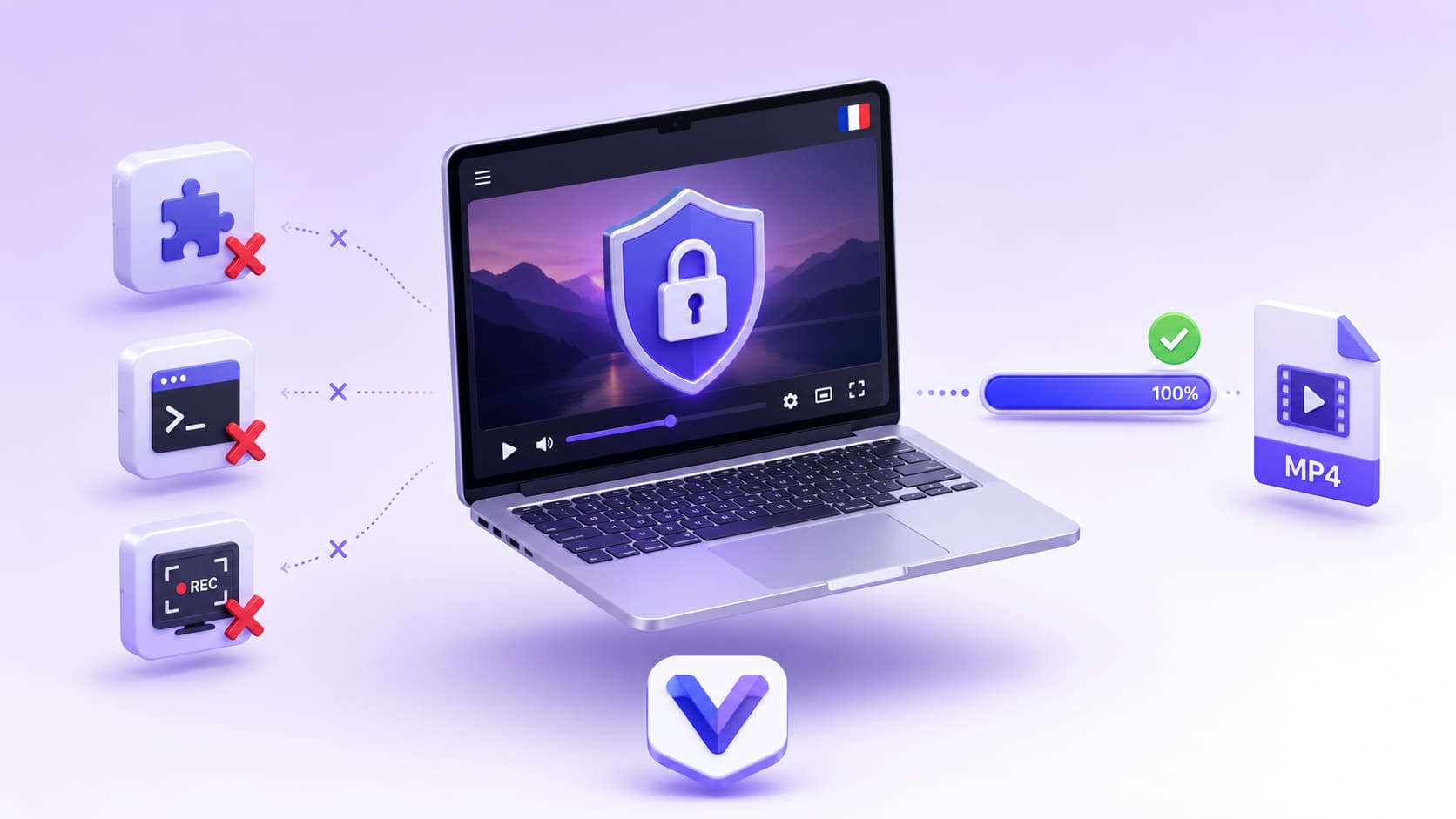
MYM.fans requires valid account access — browser extensions and yt-dlp often fail on member playback
Screen recording produces black screens due to hardware-accelerated playback protection
VidMost has browser recording mode for normal playback, handling MYM.fans the same way it handles OnlyFans
Final quality depends on the playback quality MYM.fans provides to your current browser session
What Is MYM.fans?
MYM.fans (Meet Your Model) is a French creator subscription platform launched in 2019. It’s the primary OnlyFans alternative for European creators and fans, with its largest user base in France, Belgium, Spain, Italy, and French-speaking North Africa.
The business model mirrors OnlyFans: monthly subscriptions plus pay-per-view content, tips, and custom requests. Adult and non-adult content are both permitted. Content plays through your logged-in browser session after your subscription or PPV access is verified, which is why unauthorized external tools cannot reliably produce a playable file.
Why Downloading MYM.fans Content Is Difficult
Browser extensions — Often ineffective. Extensions work at the page layer and may not follow membership playback, account checks, and short-lived media sessions.
yt-dlp — Even with cookies exported, command-line tools depend on stable, directly accessible media URLs. Member playback can expire or fail before you get a complete video.
Screen recording — MYM.fans, like OnlyFans, uses hardware-accelerated playback that causes screen recorders to capture a black screen. Disabling hardware acceleration in your browser produces playable output but at severely degraded quality.
The practical problem is identical to OnlyFans: the video is tied to your logged-in playback session. VidMost solves it the same way: a full Chromium browser with browser recording mode, saving normal playback for content you are allowed to view.
Step-by-Step: Downloading MYM.fans Videos
Step 1: Download and install VidMost from vidmost.com.
Note: Browser recording mode on the free plan is limited to 5 minutes per session and 5 sessions per day. For full-length saves, Pro is $10/month, $38/year, or $98 for a lifetime license.
Step 2: Open VidMost and log into your MYM.fans account inside the built-in browser. You need an active subscription to access paid content — this step is required.
Step 3: Navigate to the creator’s profile and open the video you want to save. Start playback.
Step 4: After 3–5 seconds of playback, VidMost recognizes the browser playback session and shows a download or recording option in the toolbar.
Step 5: Select your save method:
-
Sniff download: If VidMost detects an eligible open stream, select an available resolution and save where permitted
-
Browser recording mode: For member content your account can view and you are allowed to save, select recording mode — VidMost saves the browser-rendered playback during normal playback
Step 6: The file saves as a standard MP4, playable on any device.
On quality: VidMost saves the quality available in your current browser playback session. The result depends on the creator’s upload, MYM.fans playback settings, your account access, and current network conditions.
What You Can and Can’t Download
You can download:
-
Any content you have an active subscription or paid access to
-
Free preview content on creator profiles
-
Pay-per-view content you’ve already unlocked
You can’t download:
-
Content behind subscriptions you haven’t purchased — VidMost only saves content your account can already view
-
Content the creator has deleted from their profile
VidMost covers 1,000+ platforms including OnlyFans, Fansly, Patreon, and Chaturbate. One tool handles your entire subscription content library.
Why Backing Up MYM.fans Content Matters
Creator accounts get suspended, content gets removed, and platform policies change without warning. Content you paid for today may be inaccessible tomorrow. For anyone building a personal archive or doing competitive content research, local copies are the only reliable long-term storage.
VidMost makes the backup process straightforward — log into your account, play the video, click save. No technical background required.
FAQ
What is MYM.fans and who uses it?
MYM.fans is a French creator subscription platform, launched in 2019. Its largest user bases are in France, Belgium, and French-speaking North Africa, with growing presence in Spain, Italy, and other European markets. It’s the primary OnlyFans alternative for European creators.
What resolution can I save?
VidMost saves the quality available in your current browser playback session. The result depends on the creator’s upload, MYM.fans playback settings, your account access, and current network conditions.
Can I download MYM.fans content on the free plan?
Partially — browser recording mode is limited to 5 minutes per session and 5 sessions per day on the free plan. For complete saves without time limits, Pro is $10/month or $38/year.
Does VidMost work on similar platforms?
Yes. VidMost handles OnlyFans, Fansly, Patreon, Chaturbate, and 1,000+ other platforms. The same browser recording mode used for MYM.fans also works for authorized playback on OnlyFans and Fansly.
Is downloading MYM.fans content legal?
Only save content within the authorization you have from the platform and creator. Follow MYM.fans terms, your account permissions, rights-holder authorization, and local law. Do not share, resell, or republish saved member content.